
Most nonprofit leaders pour their heart into their mission.
They write careful copy. They choose meaningful photos. They work hard to explain what they do and why it matters.
And still, visitors leave without donating. Without signing up. Without reaching out.
It’s frustrating. And it’s more common than you think.
Here’s what I’ve found working with nonprofit leaders across Houston and beyond. The problem usually isn’t the mission. The problem is that the website doesn’t show the mission working.
Visitors don’t just want to know what you do. They want to see that it’s making a difference.
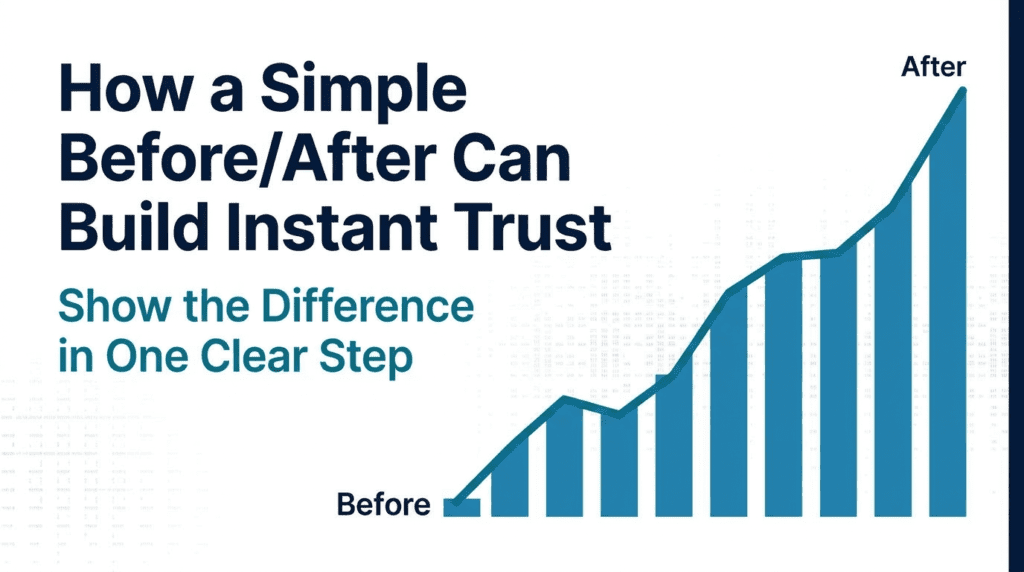
And one of the simplest ways to show that? A before/after.
What a Before/After Actually Is
A before/after doesn’t have to be complicated.
It’s not a full case study. It’s not a long report. It’s not a video production.
It’s a simple, honest look at where things were before your organization stepped in, and where things are now because of your work.
It could be a photo. It could be two short sentences. It could be a number.
“Before our program, 40% of students in this neighborhood were reading below grade level. Today, that number is down to 12%.”
That’s it. That’s the before/after. And it works.
Why It Builds Trust So Fast
When someone lands on your website for the first time, they’re asking one quiet question.
“Is this real?”
They want to know if the work is actually happening. If the people behind this organization follow through. If their donation or their time is going to matter.
A before/after answers that question without saying a word about trust.
It shows the change. And when people can see the change, they believe in it.
This is why donors give again. It’s why volunteers show up consistently. It’s why the organizations with the clearest proof always seem to have the most momentum.
Clarity wins. Every time.
Where to Add It on Your Website
You don’t have to redesign your whole site to make this work.
Here are three simple places to add a before/after right now:
Your homepage. This is the first place most visitors land. A single before/after near the top of the page gives them a reason to keep reading.
Your about page. People visit this page when they’re trying to decide if they trust you. A short story about where things were and where they are now is one of the most powerful things you can put here.
Your impact or results section. If you already have a section for outcomes or statistics, add the “before” context. Numbers without context are easy to ignore. Numbers with a starting point tell a story.
A Simple Way to Write Yours
If you’re not sure where to start, try this fill-in-the-blank:
“Before [your organization or program], [describe the problem or gap]. Today, [describe what has changed because of your work].”
Keep it short. Keep it honest. Use real numbers when you have them.
You don’t need a designer. You don’t need a copywriter. You just need to tell the truth about what your organization has done.
That truth is what builds trust.
Your Website Should Show What You’ve Done
A lot of nonprofit websites are full of good intentions.
They explain the vision. They describe the services. They introduce the team.
But they don’t show the proof. And without proof, a visitor has no real reason to believe that your organization is different from the dozens of others asking for their attention.
A simple before/after changes that.
It’s not about bragging. It’s about giving people permission to trust you.
Your cause deserves to be seen. And the people you serve deserve a website that tells their story well.
No tech background needed. No pressure. Just clarity.